


Professional USB Duplication Built for Accuracy, Verification, and Control
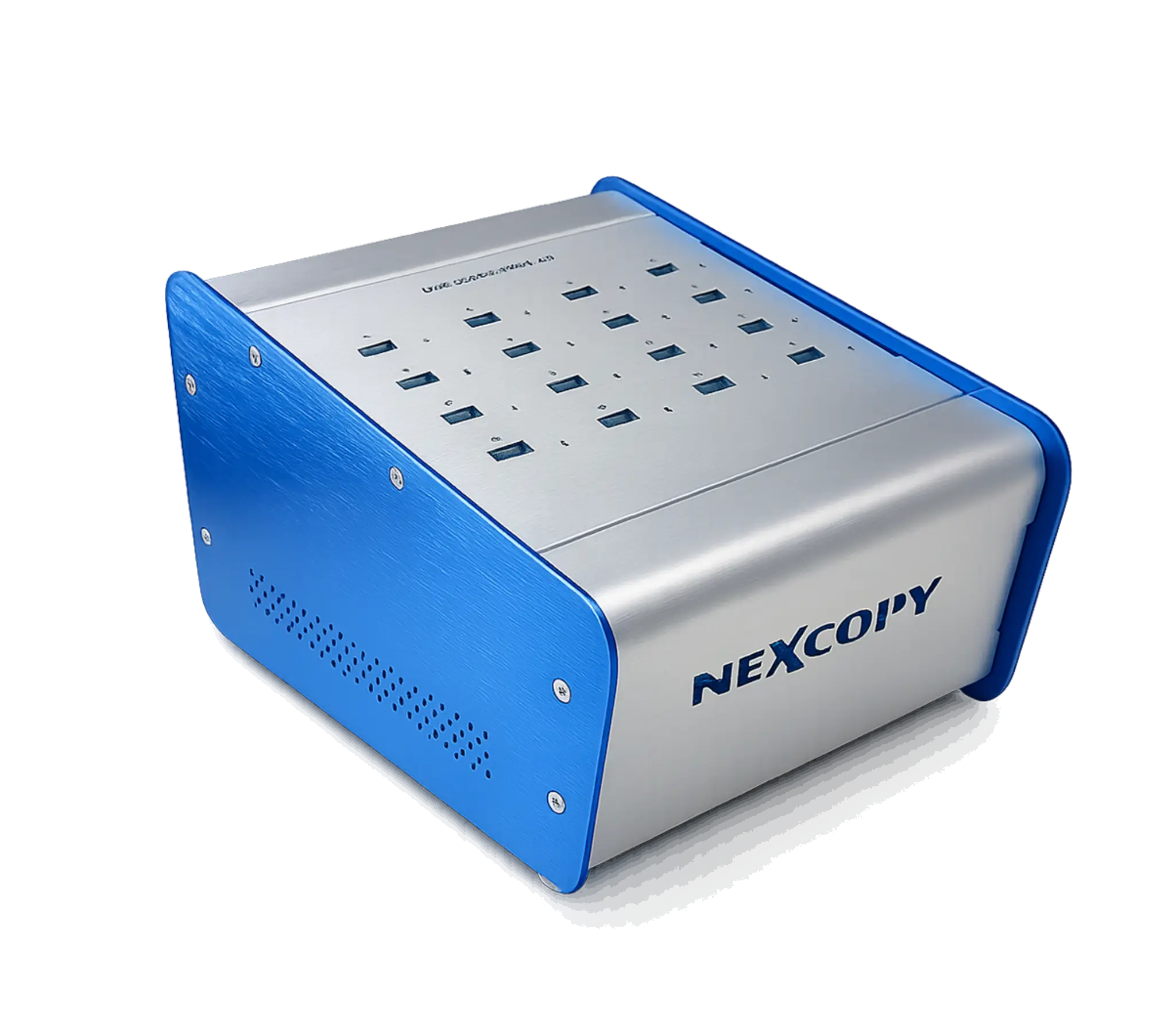
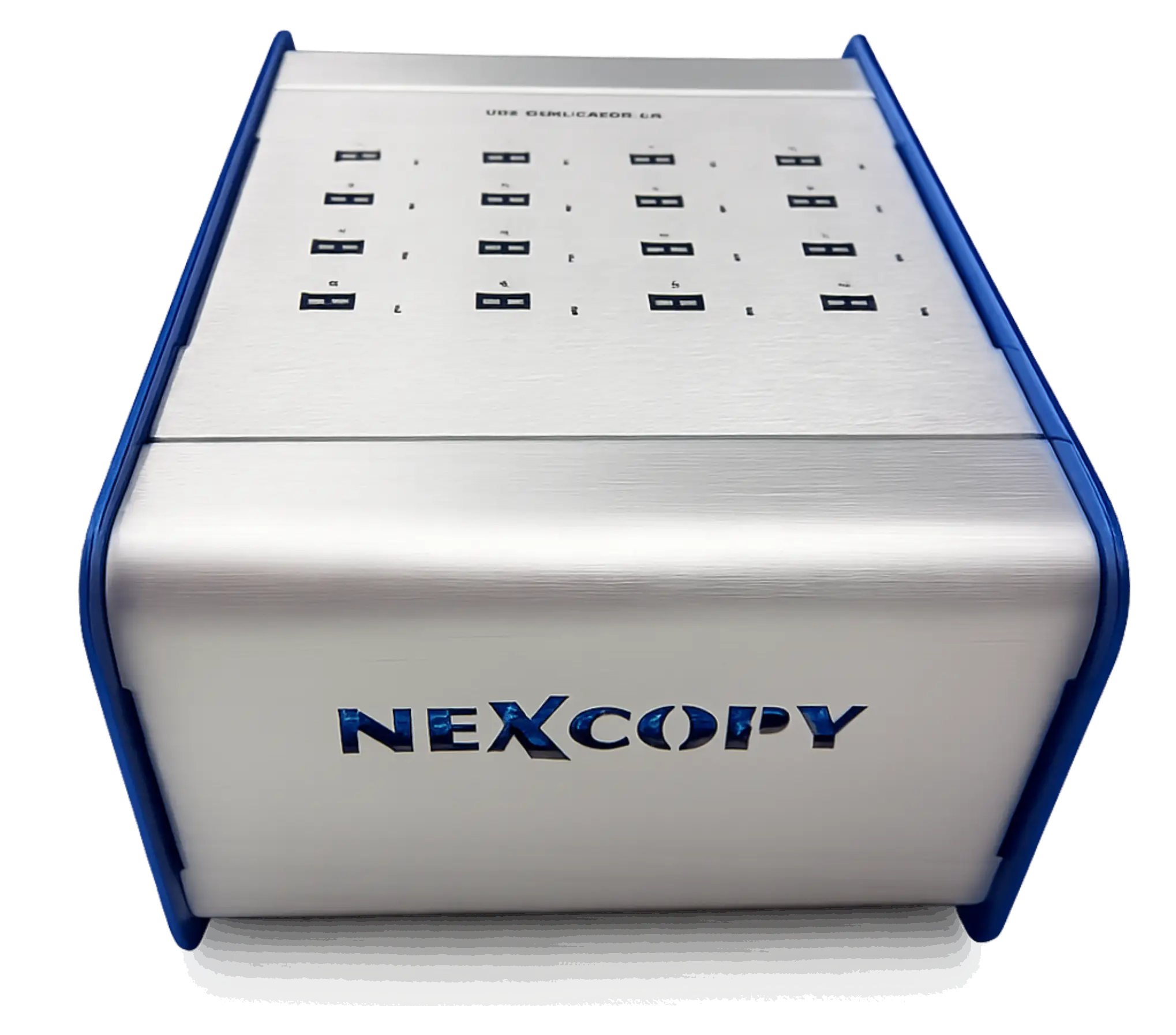
The USB160PC is a professional PC-based USB duplicator designed for organizations that require fast, repeatable, and verifiable duplication workflows without the need for controller-level configuration. It is built for production environments where the priority is accurate data replication rather than defining how a USB device behaves after deployment.
Many duplication workflows demand verification, logging, and consistent performance across large batches of devices but do not require hardware-enforced write protection, CD-ROM emulation, or identity-level device control. The USB160PC addresses these requirements through a PC-connected workflow that provides visibility and operational control during production.
For teams that need professional duplication outcomes without the complexity of controller-level behavior management, the USB160PC provides a practical and efficient solution.
A Clear Upgrade Path to USB160PRO
A defining advantage of the USB160PC is its ability to be upgraded to the USB160PRO as project requirements evolve. Organizations can begin with the USB160PC for standard duplication workflows and transition to Pro-level functionality without replacing hardware.
This upgrade path protects the original investment and allows teams to scale capabilities over time. If future requirements include hardware-enforced write protection, CD-ROM partitioning, fixed disk behavior, or controller-level configuration, the USB160PC can be software-upgraded to unlock those advanced features.
Many customers start with the USB160PC for general production and later upgrade as security, compliance, or distribution requirements increase.
When the USB160PC Is the Right Choice
The USB160PC is selected when duplication accuracy, speed, and verification are required, but defining USB device behavior is not. It is well suited for production environments focused on reliable data replication rather than hardware-level configuration.
Organizations use the USB160PC when USB devices are intended to remain writable after deployment, when standard file systems are sufficient, and when controller-level enforcement or emulation is unnecessary.
If a project involves distributing identical or partially unique data sets without restricting how the USB operates once deployed, the USB160PC is the appropriate platform.
Why the USB160PC Uses a PC-Based Workflow
The USB160PC uses a PC-connected architecture to provide visibility, control, and validation during duplication. Connecting to a Windows workstation allows operators to configure jobs, monitor progress, and verify results using Nexcopy’s Drive Manager software.
A PC-based workflow enables detailed logging, checksum verification, flexible copy methods, and the use of archived image files. These capabilities are not available on push-button standalone duplicators.
While the USB160PC does not issue vendor-specific controller commands, the PC-based architecture ensures accuracy, repeatability, and operational transparency during production.
File-System and Device-Level Duplication
The USB160PC operates at the file system and device level rather than modifying the USB controller. Data is copied accurately and verified, but device behavior remains unchanged after duplication.
This approach is ideal for workflows where USB drives must remain writable, editable, or reusable after deployment. The USB160PC ensures the data written during production matches the source without enforcing permanent hardware restrictions.
Drive Manager Software
The USB160PC operates using Nexcopy Drive Manager software. The software provides a clear interface for job setup, monitoring, and verification during duplication.
Drive Manager supports multiple copy methods, image file workflows, and embedded checksum verification to ensure data integrity across all target devices.
Copy Methods and Production Workflows
The USB160PC supports multiple copy methods to accommodate different production requirements. This flexibility allows operators to select the most efficient approach based on source type and project constraints.
Copy Methods Supported
- File Copy – copy files and folders only
- Full Device Copy – bit-for-bit duplication
- Smart Device Copy – intelligent copy excluding empty sectors
- IMG Copy – write from pre-built image file
- Copy Add – append files to existing content
- Unique Data Streaming – individualized data per device
Smart Device Copy
Smart Device Copy duplicates only the used data clusters on the source device. This method reduces production time by skipping unused space while preserving file system structure and content.
Unique Data Streaming
Unique Data Streaming allows different data to be written to each USB device during a single duplication job. This feature is commonly used for serial numbers, license files, certificates, or user-specific content.
Who This Product Is For
- IT teams distributing large volumes of standard USB content
- Training organizations preparing course materials
- Marketing teams producing branded USB campaigns
- Manufacturers requiring repeatable media duplication
- Organizations planning future migration to controller-level security
Key Specifications
- 16-target USB duplication system
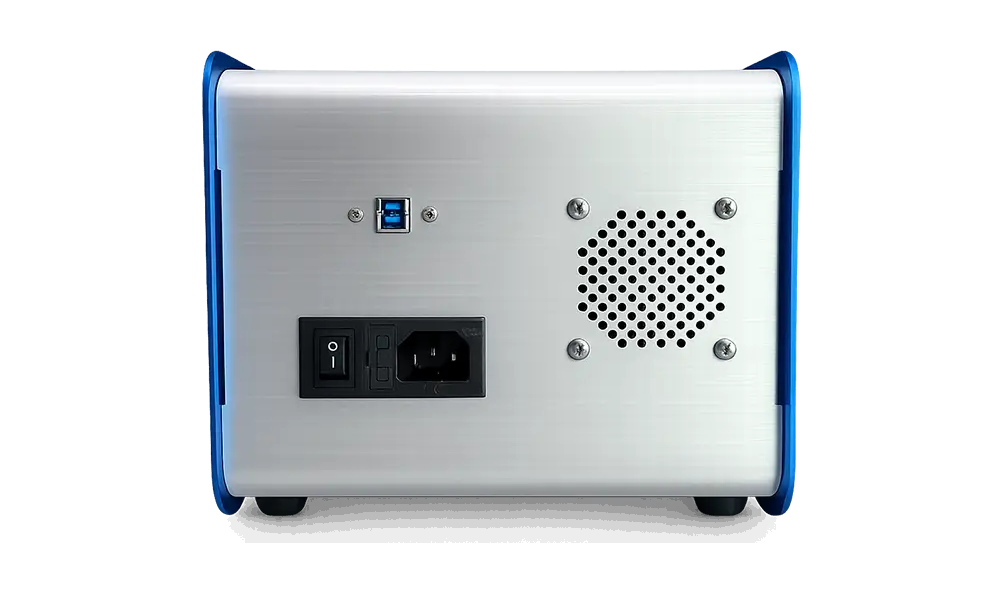
- USB 3.0 connectivity (backward compatible)
- Reads the USB hard-coded serial number stored as controller-resident metadata for device identification and tracking
- Windows-based production workflow
- Supports multiple copy methods with verification
- CE, FCC, and RoHS certified
- Upgradeable to USB160PRO via software license
- For full engineering specifications and system characteristics, view the USB160PC Technical Datasheet
Video Overview
Aligning the Right Equipment with Your Production Requirements
Selecting the appropriate duplication system depends on your workflow requirements, verification needs, and long-term production goals. Nexcopy helps organizations evaluate operational demands, data handling requirements, and scalability considerations to ensure the selected equipment matches how it will be used in real production environments.
Whether the priority is speed, verification, configurability, or future expansion, Nexcopy can assist in matching requirements to the correct platform before deployment.